Coming to iPhone this Christmas
Pray first. Then scroll.
Lock the apps you reach for most. Say a prayer to unlock them.
Free to lock one app.

How it works
Swipe for all three screens
-
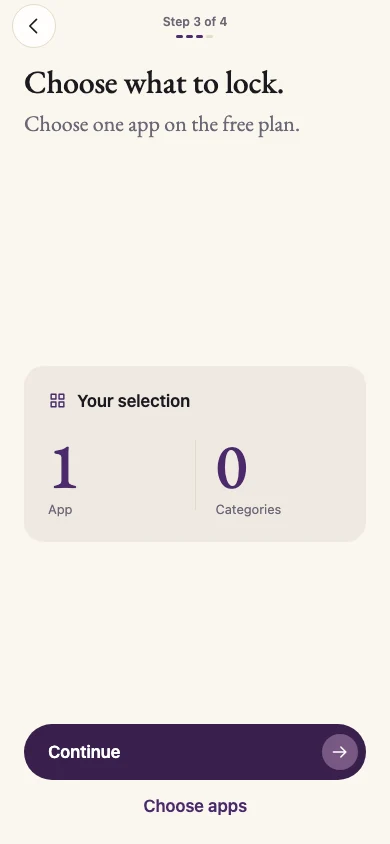
Pick an app
Start with the one you open most.
-
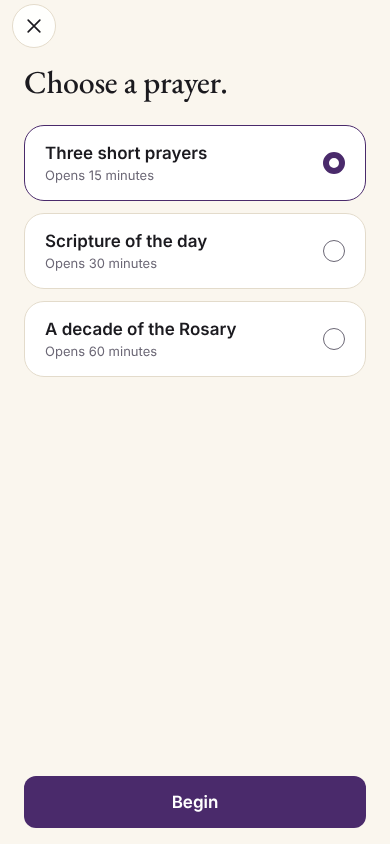
Say a prayer
The shortest option takes about 45 seconds.
-
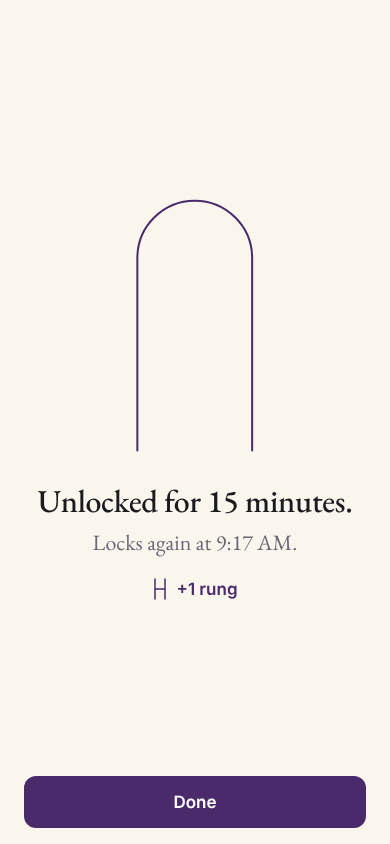
Open your app
It unlocks for 15 to 60 minutes, depending on the prayer.


A psalm a day
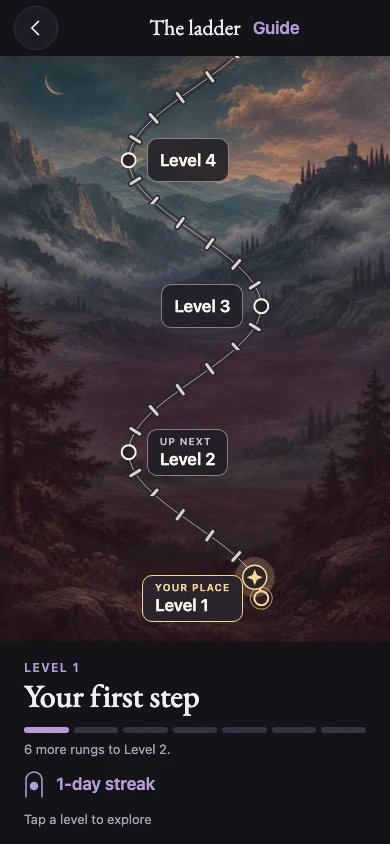
Read a new psalm each day and follow your progress on the prayer ladder.
Start with one app
- Free
- Lock one app. Get the daily psalm and the prayer ladder.
- Premium
- Lock up to 50 apps or whole categories. The yearly plan has a 7-day free trial.
Prayer stays private
Your prayer history stays on your iPhone. You can use AmenKey without an account.
Read the privacy policyQuestions
Read the full FAQWhat if I need my phone right away?
Use an emergency unlock for 15 minutes. You get two per week.
Can the lock be turned off?
Yes. You can turn it off in your iPhone’s Screen Time settings.
Get a launch email
Coming to iPhone this Christmas.